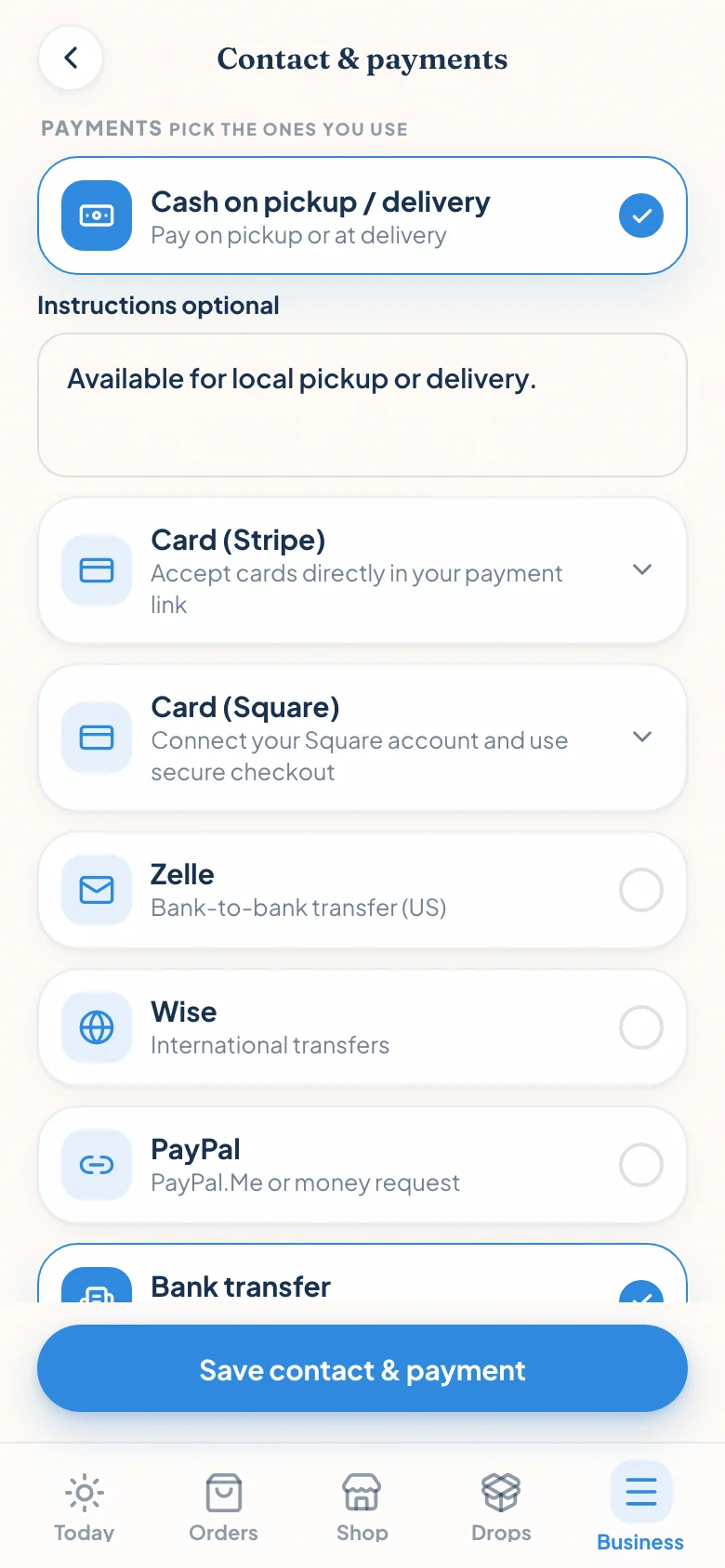
Your order system and payment processor do different jobs
An order system collects the flavour, quantity, pickup day, allergy note, and deposit amount. A payment processor handles the card, confirms the payment, and moves the money toward your bank account. Those jobs can work together without one company owning both.
That separation matters when Saturday sales already run through Square, or when wholesale invoices already land in Stripe. Bringing that account into your online order flow keeps payment reporting and payout settings with the provider you already use. Confita records whether the bakery order was paid, but it does not hold the sale proceeds or receive raw card details.
What “bring your own account” means
It means account continuity, not a promise that every sales channel has the same processing rate.
| Square | Stripe | Confita | |
|---|---|---|---|
| Account | Connect your existing Square seller account | Connect an eligible existing Standard account or create an Express account | Connects the order to the processor you choose |
| Where the customer pays | Square-hosted checkout | Stripe-hosted Checkout | Sends the customer to the provider |
| Where the payment is recorded | Your Square account and selected location | Your connected Stripe account | Order status only; Confita never holds the funds |
| Platform fee added by Confita | 0% | 0% | 0% |
| What does not move over | Past sales, catalogue, and customer history | Past sales and customer history | No historical-payment import |
The farmers’ market example
Picture a baker who takes taps at a Saturday market through Square, then opens custom cake requests on Monday. With Confita, she can connect that Square seller account, choose the Square location for online payments, and send a deposit link from the cake order. The customer pays on Square’s hosted page. Square records the payment for that account and location, then handles the payout to the linked bank under the seller’s payout settings.
The account is the same. The sales channel is not. A tap or dip at the stall is card-present, while a hosted online checkout is card-not-present. Square applies the rate that belongs to the online transaction, not necessarily the rate from the reader on your counter.
Start with the fee your order system adds
Processor fees are only one layer. Some ordering tools add their own card-payment fee. Confita does not. Stripe or Square still charges the processing and account-specific fees that apply to your transaction.
For a concrete US example, Stripe’s standard domestic online-card rate and Square’s published Online API rate are both 2.9% + $0.30 at the time of this review. That works out to $3.20 on a $100 payment. Bakesy publishes 3.9% + $0.30 for its optional US-only Secure Payments flow, or $4.20 on the same amount. That is a $1 difference under those published rates, not a universal savings promise.
| $100 US domestic online-card example | Published rate | Fee |
|---|---|---|
| Stripe standard online cards | 2.9% + $0.30 | $3.20 |
| Square Online API | 2.9% + $0.30 | $3.20 |
| Bakesy Secure Payments | 3.9% + $0.30 | $4.20 |
Choose the processor by the work around the payment
Choose Square when your in-person business already lives there and you want online deposits associated with a Square location. Choose Stripe when your online business already uses its dashboard, or when direct online checkout is the centre of the workflow. If neither history exists, compare country support, actual quoted rates, payout controls, dispute tools, and the dashboard you prefer.
You can keep both accounts connected in Confita, then make one processor active for customer card checkout. Customers do not have to guess between two card buttons. You can change the active processor later without rebuilding your products or order forms.
A practical payment setup for a home bakery
Offer card checkout for deposits and orders that need a firm commitment. Keep bank transfer or cash for regular customers and pickup situations where those methods are normal. Write the deposit amount, due date, cancellation terms, and remaining balance into the quote before sending the payment link.
- Connect the account you already reconcile, if it is eligible.
- Check the online rate in your own provider dashboard.
- Use hosted checkout so the processor handles the card entry.
- Judge the whole workflow, not one percentage in isolation.

Read the guide for your next decision
Keep the processor. Fix the order flow.
Build the storefront, connect Stripe or Square, and send yourself a test order before you publish.
Sources
Details were checked against public sources on July 30, 2026. Confirm current prices, policies, or provider instructions before relying on them.
Frequently asked questions
Can I use my existing Square account for online bakery orders?
Yes. Connect your existing Square seller account, then choose an eligible active location for your shop’s country and currency. Confita sends customers to Square-hosted checkout and adds no platform fee. Square’s applicable online processing fees still apply.
Can I connect an existing Stripe account?
Yes, if it is an eligible Stripe Standard account. Some accounts controlled by another platform cannot grant the required access. You can also create a connected Stripe Express account through Confita.
Does Confita charge a payment-processing fee?
Confita adds a 0% platform fee to the transaction. Stripe or Square still charges its applicable processing and account-specific fees. Bank transfer and cash can have different costs and verification steps.
Will my farmers’ market card rate apply online?
Not necessarily. Reader payments are normally card-present, while a provider-hosted online checkout is card-not-present. The processor applies the rate for the transaction type, plan, country, card, and currency involved.