Choose Loafaly if…
back-office bakery work needs a specialised system.
- You need recipe costing, inventory, and production planning.
- You want a bakery-specific operating system.
- Those tools justify the plan tier you need.
Loafaly goes deep on bakery operations and production planning. Confita focuses on the part customers see: a distinctive storefront, instant checkout, and a clear path for custom work.
back-office bakery work needs a specialised system.
a polished shop that can handle more than one kind of sale is the priority.
Loafaly is no longer an unknown-price alternative. Its published tiers make the trade-off clearer.
ConfitaNo free plan; 7-day free trial
LoafalyFree forever website, shop, checkout, and estimated costing
Confita$9.99/month or $49/year
LoafalyBasic $3.99, Core $7.99, Pro $13.99 monthly
Confita0% Confita commission
Loafaly2% Loafaly fee on Free card sales; paid tiers list 0%
ConfitaNot included
LoafalyIngredient-linked costing, pantry, production, retail, and kitchen tools
ConfitaInstant checkout from a branded storefront, with pickup or delivery details
LoafalyShop checkout
ConfitaQuestion-led request, quote, deposit, balance, and status page
LoafalyCustom Creations, quotes, deposits, and client portal
ConfitaStripe or Square where eligible, plus manual methods
LoafalyStripe, Square, PayPal, and other listed rails
ConfitaConfita Payments: connect your bank for checkout and payouts, with no Stripe or Square account required (US and Canada)
LoafalyConnect one of its listed payment rails
ConfitaDirect orders, Custom requests, quotes, deposits, and scheduled drops
LoafalyShop, Custom Creations, subscriptions, and wholesale tools
ConfitaAll themes included, with fonts, banners, custom stickers, motion, and brand controls
LoafalyFull site tools
Publish the products customers already know they want and let them check out directly. When a cake needs a conversation, Confita adds structured intake and a private payment-ready quote without turning every sale into a project.
Keep the operational stack you need. Do not buy one before the selling flow earns its place.
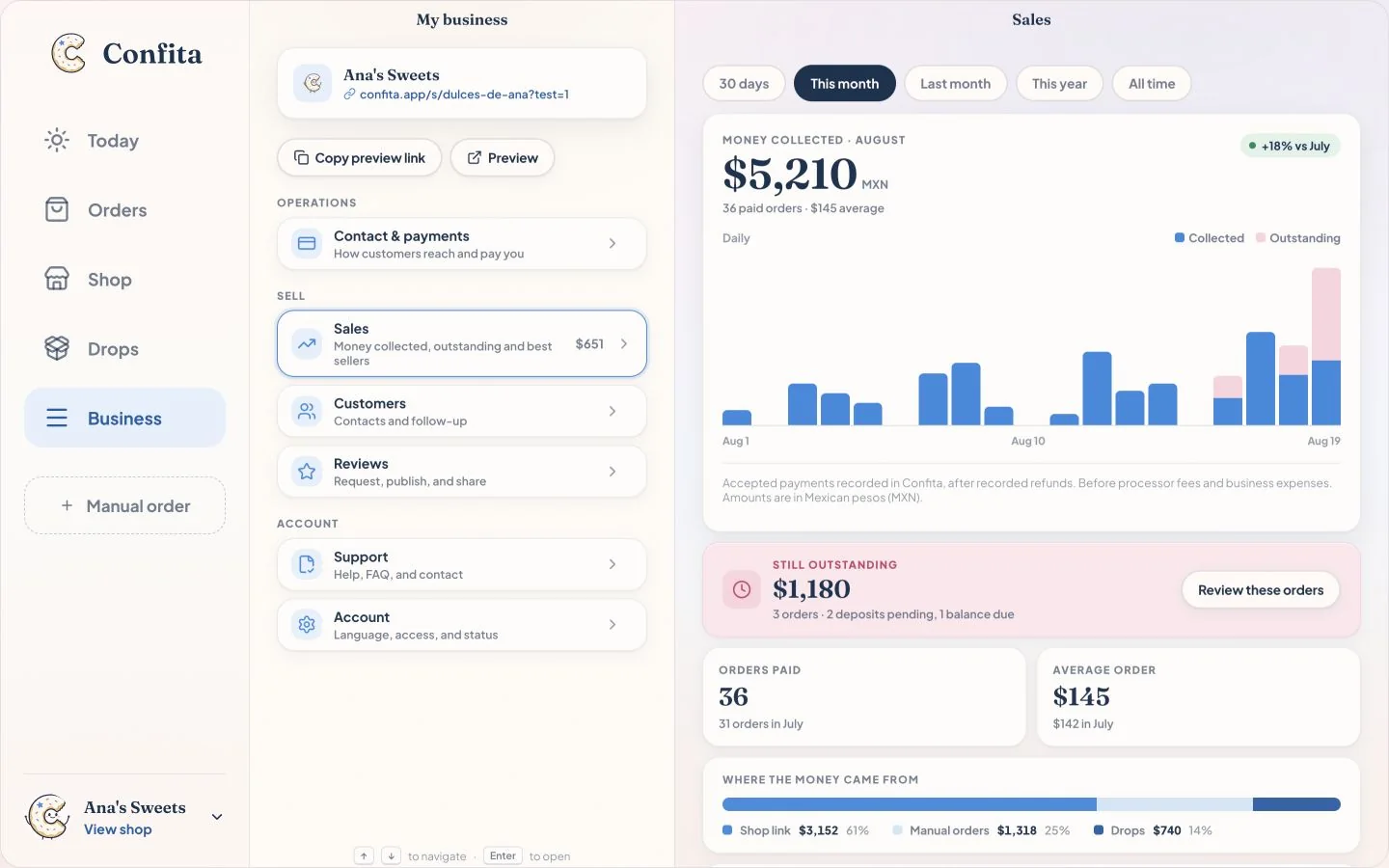
Confita publishes a clear price of $49/year or $9.99/month. Loafaly currently advertises a free trial, but its public site does not show a comparable USD plan price. Confirm Loafaly’s current offer before comparing the total cost.
Confita is the stronger fit if you want hands-on visual control. Its editor includes themes, colors, covers, fonts, banners, stickers, entrance animations, and live preview. Loafaly advertises a branded website with pages, a gallery, and reviews, but its public materials do not detail the same editor controls.
Yes. Loafaly lists custom orders and online orders. Confita is a better fit when product questions, reference photos, private quotes, and deposits through connected Square, Stripe, or a manual method should share one customer flow.
Loafaly’s public site does not publish a per-transaction fee. Confita lets you connect an existing Square seller account or eligible Stripe account and adds no fee of its own; the payment goes straight to you. Provider fees still apply. Confirm the current payment terms for either service.
Yes. Confita works from a phone, tablet, or computer for both sellers and customers. You can create the shop, edit its design, review requests, and send quotes from the browser.
Set up your products, add the details you need, and send yourself a test order before you share the link.